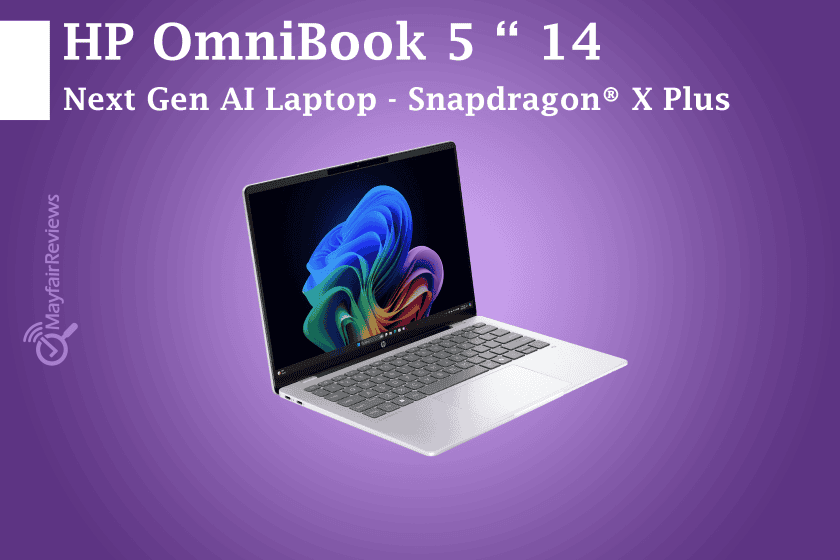
HP OmniBook 5 14” Next Gen AI Laptop – Snapdragon® X Plus
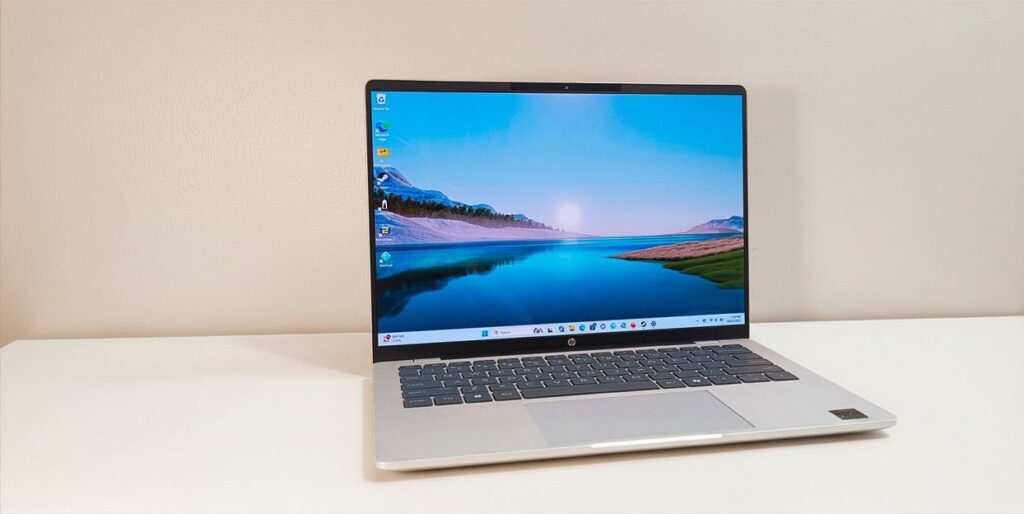
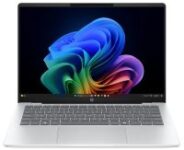
The HP OmniBook 5 14 appears to be an excellent choice for students and everyday users, offering exceptional battery life and a premium feel starting at £799.00 for this configuration (Special Offer). This laptop is powered by the Snapdragon X Plus processor from Qualcomm, combining an elegant and durable design with a stunning OLED display that places it within the upper mid-range category.
The device achieved an impressive battery life of up to 36 hours, outperforming many laptops and proving its outstanding endurance.
The HP OmniBook 5 series is available in both 14-inch and 16-inch sizes, with different configurations and processors from multiple companies, including Intel, AMD, and Qualcomm.
HP devices branded as “Next Gen AI PC” come equipped with a dedicated AI engine integrated into the processor. The Snapdragon X family is based on ARM architecture and features integrated graphics from the Adreno series, paired with LPDDR5X memory for improved efficiency and performance.
HP Omnibook 5 14 Inch Laptop Next Gen AI PC Top Configurations
| Region | UK | US |
|---|---|---|
| Price: | £799.00 (£1,049.99) | $1299.99 |
| CPU: | Qualcomm Snapdragon X Plus X1P-42-100 | Qualcomm Snapdragon X Plus X1P-42-100 |
| GPU: | Qualcomm Adreno integrated graphics | Qualcomm Adreno integrated graphics |
| Memory: | 32GB | 32GB |
| Storage: | 1TB | 1TB |
| Screen: | 14-inch (1920×1200) OLED | 14-inch (1920×1200) OLED |
| Ports: | 1 x USB Type-A, 2 x USB Type-C, 1 x 3.5mm audio jack | 1 x USB Type-A, 2 x USB Type-C, 1 x 3.5mm audio jack |
| Battery (WHr): | 59 WHr | 59 WHr |
| Wireless: | Wi-Fi 6E, Bluetooth 5.3 | Wi-Fi 6E, Bluetooth 5.3 |
| Camera: | 1080p FHD IR webcam with privacy shutter | 1080p FHD IR webcam with privacy shutter |
| Weight: | 2.85 lbs (1.29 kg) | 2.85 lbs (1.29 kg) |
| Dimensions: | 12.28 x 8.56 x 0.5 ins | (311.9 x 217.4 x 12.7 mm) | 12.28 x 8.56 x 0.5 ins | (311.9 x 217.4 x 12.7 mm) |
Design:
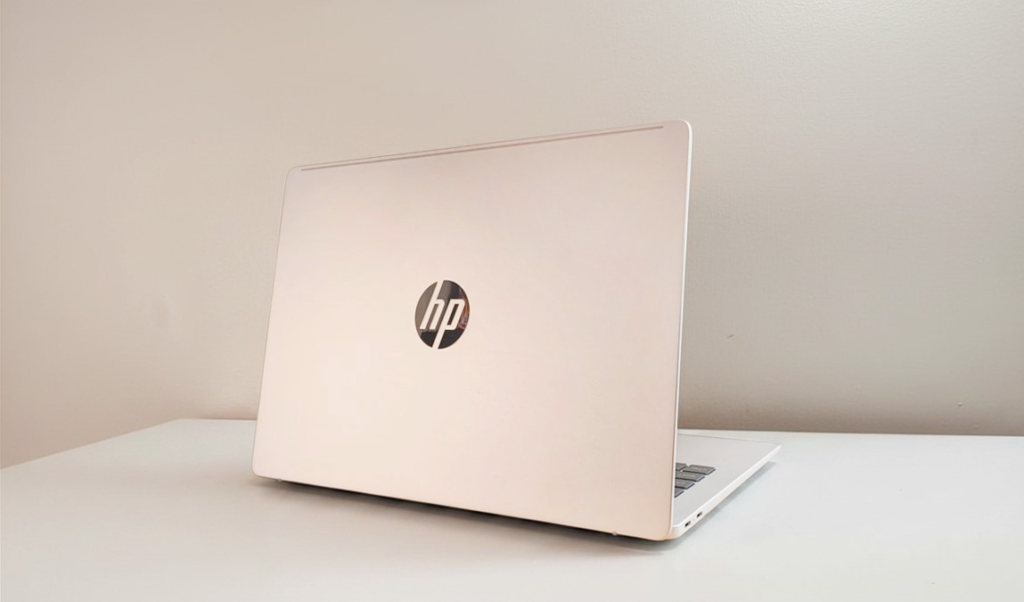
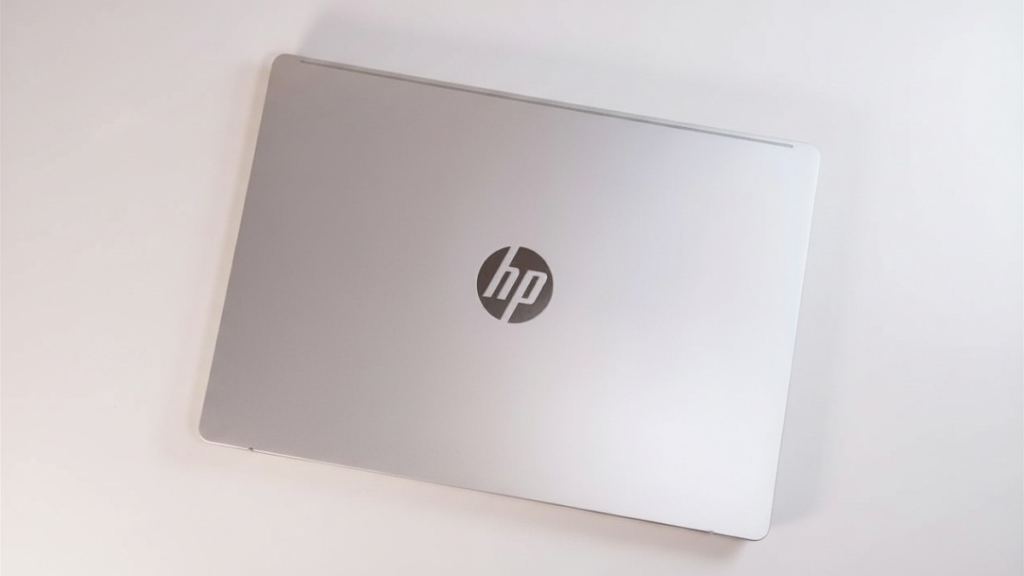
What makes the OmniBook lineup stand out is its minimalist and elegant design philosophy, avoiding excessive details while maintaining a clean and modern appearance.
The laptop features a slim silver chassis, measuring just 0.6 inches in thickness and weighing around 2.98 lbs, with a reflective HP logo that adds a premium touch. However, this premium feel is slightly diminished by the use of plastic around the keyboard deck instead of aluminum.
Keyboard:
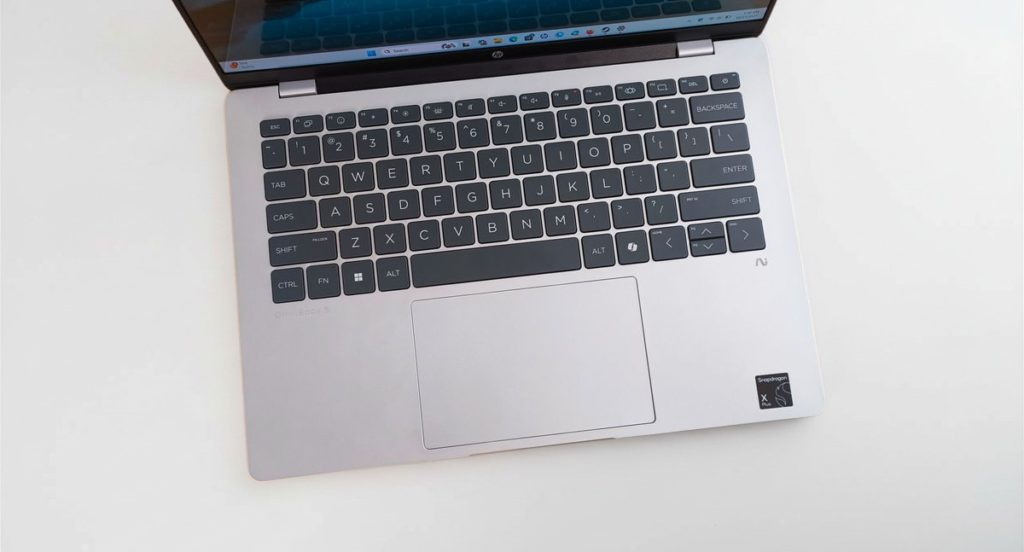
The keyboard offers responsive and comfortable key travel, providing a pleasant typing experience for everyday work, studying, and long typing sessions.
Display:
The HP OmniBook 5 features a 14-inch OLED display with a 1200p resolution and slim bezels, delivering an excellent viewing experience thanks to the deep contrast and wide color coverage that OLED panels are known for.
The laptop also supports HDR video playback, providing a more cinematic experience for movies and media consumption. However, it does not excel in every aspect, as competitors such as the ASUS Zenbook A14 and the MacBook Pro outperform it in several display-related areas.
- Colors and contrast are excellent.
- The black levels are truly deep and realistic, as expected from an OLED panel.
- However, the HDR experience is not considered “Premium HDR.”
Main Reason:
- The display brightness is relatively low at around 300 nits.
By comparison, stronger HDR displays usually offer:
- 500 nits or higher brightness levels.
- Certifications such as HDR 600 or HDR 1000 for a more impactful HDR experience.
Ports:
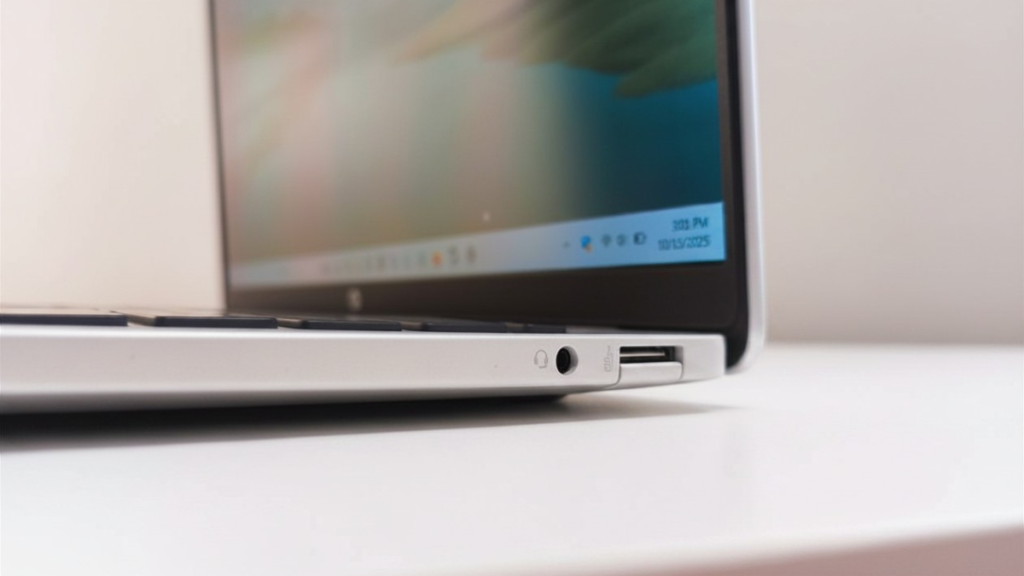
On the right side, the laptop includes a USB Type-A port with USB 3.2 Gen 2 support and speeds up to 10Gbps, alongside a 3.5mm Headphone/Mic Combo audio jack.
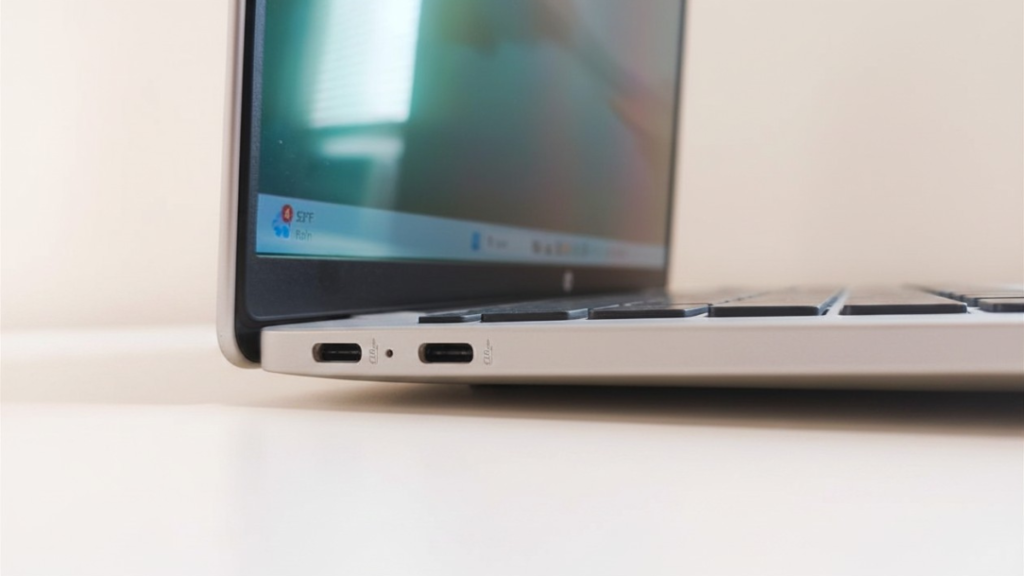
On the left side, you will find USB Type-C ports based on USB 3.2 Gen 2 X 2, featuring USB Power Delivery support, HP Sleep and Charge functionality, and DisplayPort 1.4a output for connecting external 2K or higher-resolution displays.
Wireless Connectivity:
The HP OmniBook 5 comes equipped with Qualcomm® FastConnect™ 6900 Wi-Fi 6E (2×2) technology, along with Bluetooth® 5.3 support for fast and stable wireless connectivity.
Camera:
The laptop comes with a Full HD 1080p webcam and also supports Infrared (IR) facial recognition for secure face unlock features.
The device is additionally equipped with dual microphones and dual stereo speakers for improved audio and video call experiences.
HP Applications:
The laptop comes with the HP AI Companion application. From my perspective, it does not offer anything particularly unique when compared to other AI-powered tools and assistants currently available.
ARM Architecture:
One of the aspects that still feels limiting to me is the ARM architecture. Despite the significant efforts made by both Microsoft and Qualcomm, ARM-based Windows devices still do not support a wide range of traditional Windows applications as smoothly as x86 systems.
You may still encounter compatibility issues with older software, legacy drivers, or certain specialized applications.
However, things have improved considerably on Windows 11, especially after the development of the Prism emulation layer, which has been receiving major improvements and broader software support across several categories such as:
1. Native ARM64 Applications — The Best Experience
These applications are specifically optimized for ARM processors, which means they are:
- Faster
- More stable
- More power efficient
- Better in thermal performance
Popular Native ARM Applications
Browsers
- Google Chrome
- Microsoft Edge
- Mozilla Firefox
- Brave
- Arc
Design & Video Editing Software
- Adobe Photoshop
- Adobe Lightroom
- Adobe Premiere Pro
- DaVinci Resolve
- Blender
Work & Study Applications
- Microsoft Office
- Microsoft Teams
- OneNote
- Zoom
Programming & AI Tools
- Visual Studio Code
- Python
- Docker Desktop
- DaVinci Resolve
- ChatGPT
Communication Apps
- Telegram
- Discord
2. Applications Running Through Emulation
These are traditional x86/x64 applications that run using the Prism Emulator on Windows ARM devices.
Currently, performance has improved significantly in most standard applications, and in many cases, it is difficult to notice the difference.
Examples:
- Older software
- Traditional Windows utilities
- Some older Adobe applications
- File management tools
- Many business applications
However, you may still notice:
- Slightly higher battery consumption.
- Minor delay during the first launch.
- Rare compatibility issues
3. Applications That Work Partially or With Issues
This is one of the most important aspects to consider before buying an ARM-based laptop.
Games & Anti-Cheat Software
Some games still fail to run because of anti-cheat systems such as:
- Riot Vanguard
- FACEIT Anti-Cheat
Meanwhile, systems like:
- Easy Anti-Cheat
- BattlEye
have gradually started supporting ARM devices.
Some Engineering Software & Drivers
Examples:
- Older printer drivers
- Applications dependent on legacy drivers
- Overclocking utilities
- RGB control software
- Some older VPN applications
4. Applications Currently Not Recommended on ARM
This category still remains problematic on Windows ARM devices.
Professional Audio Software:
Especially software relying on
- iLok
- Native Instruments
- Kontakt
Competitive Games:
Particularly
- Games using aggressive anti-cheat systems
- Games dependent on low-level drivers
When ARM Architecture May Not Be Suitable for You
ARM laptops may not be the ideal choice if you are:
- A competitive gamer
- Dependent on very old software
- Using specialized hardware tools
- Working with professional applications that rely heavily on legacy drivers or low-level hardware access.
Performance:
In terms of performance, if you’re looking for a laptop for studying and everyday browsing, then yes, this device is ideal for you. However, if your usage requires more demanding tasks, then this laptop is not suitable for you, especially since its graphics performance is weak.
Performance of the HP OmniBook 5 14 in the Cinebench 2024 CPU (multi-core) test.
CPU (single-core)
CPU (multi-core)
Final ratings (out of 5):
Design 4 / 5
Performance 3.5 / 5
Battery Life: 5 / 5
When to buy it:
“For studying or everyday use, it will comfortably meet your needs.
But if you need a laptop capable of running professional specialized design software or modern PC games, then this device is not the right choice for you in the first place — and not only because of application compatibility.